
On this page0
Our new Helpdesk is now fully integrated into your PAC / ESS portal, allowing you to raise and track support requests directly from your account.
Follow these simple steps to create a ticket:
Step 1: Log in to PAC / ESS
Go to your PAC / ESS portal and log in using your credentials.
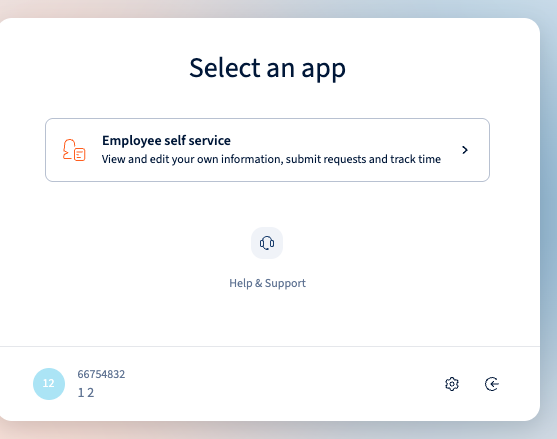
Step 2: Go to “Help & Support”
From the left-hand menu, click Help & Support.
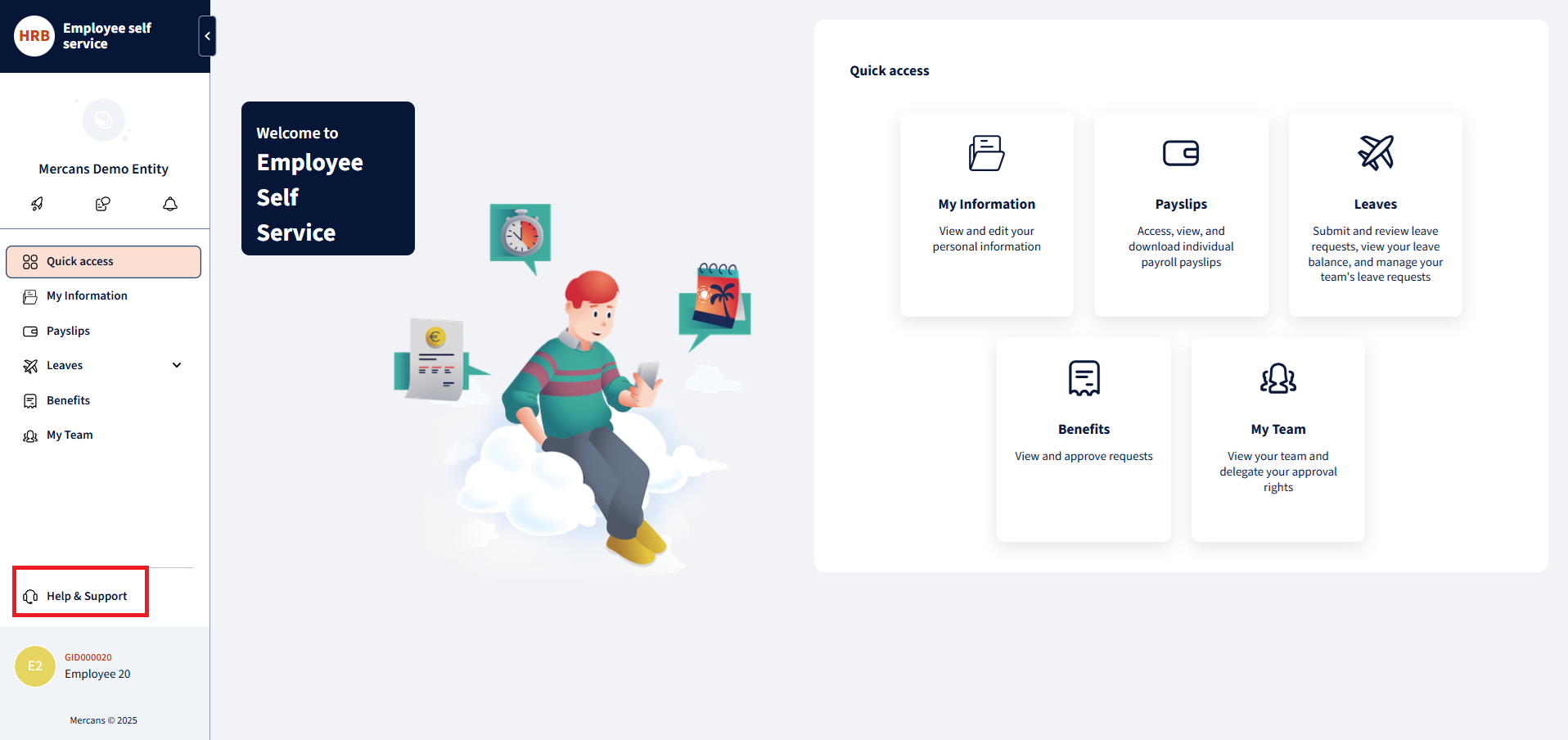
This will open the new HR Blizz Helpdesk window.
Step 3: Click “New Ticket”
Once the Helpdesk page opens, click the New ticket button located at the top right corner of the screen.

Step 4: Fill in the Ticket Details
Enter the required information:
- Summary: Provide a short title describing your issue or request.
- Description: Give more details about the issue you’re experiencing.
- Attachments: Upload any relevant files or screenshots.
- Company Name and Country: Fill in your company and location.
- Type: Select the most suitable request type (e.g., Incident, Request).
After completing the fields, click Send.
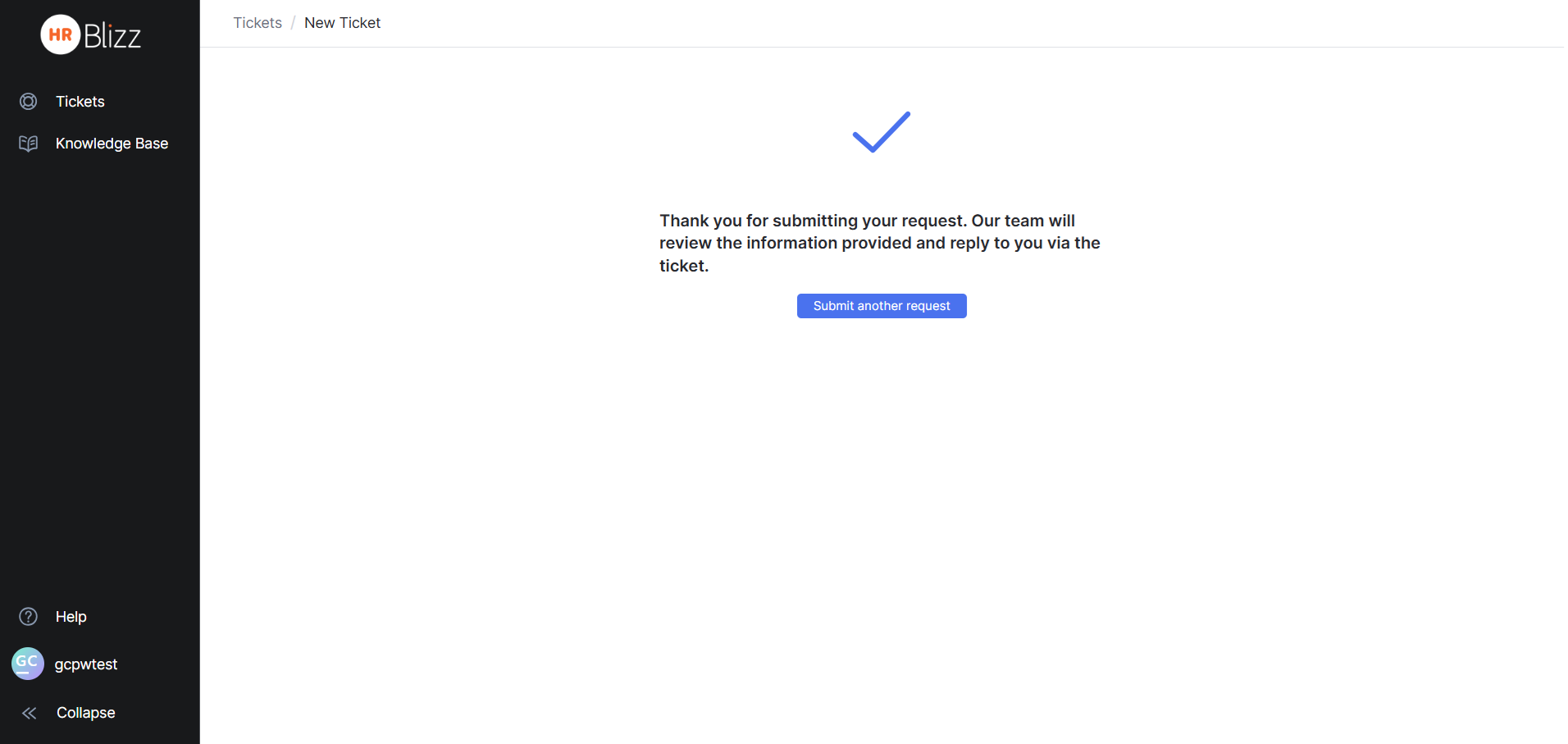
Step 5: Confirmation Message
After submission, a message will appear confirming that your request has been received.
Your ticket will now be routed to our support team for review.
Step 6: Track Your Tickets
All submitted tickets can be viewed under the Tickets section within the Helpdesk.
You can check the status of your requests and view updates or replies from the support team.

Your response has been submitted — it helps us make these pages better.