
On this page0
First Time Access
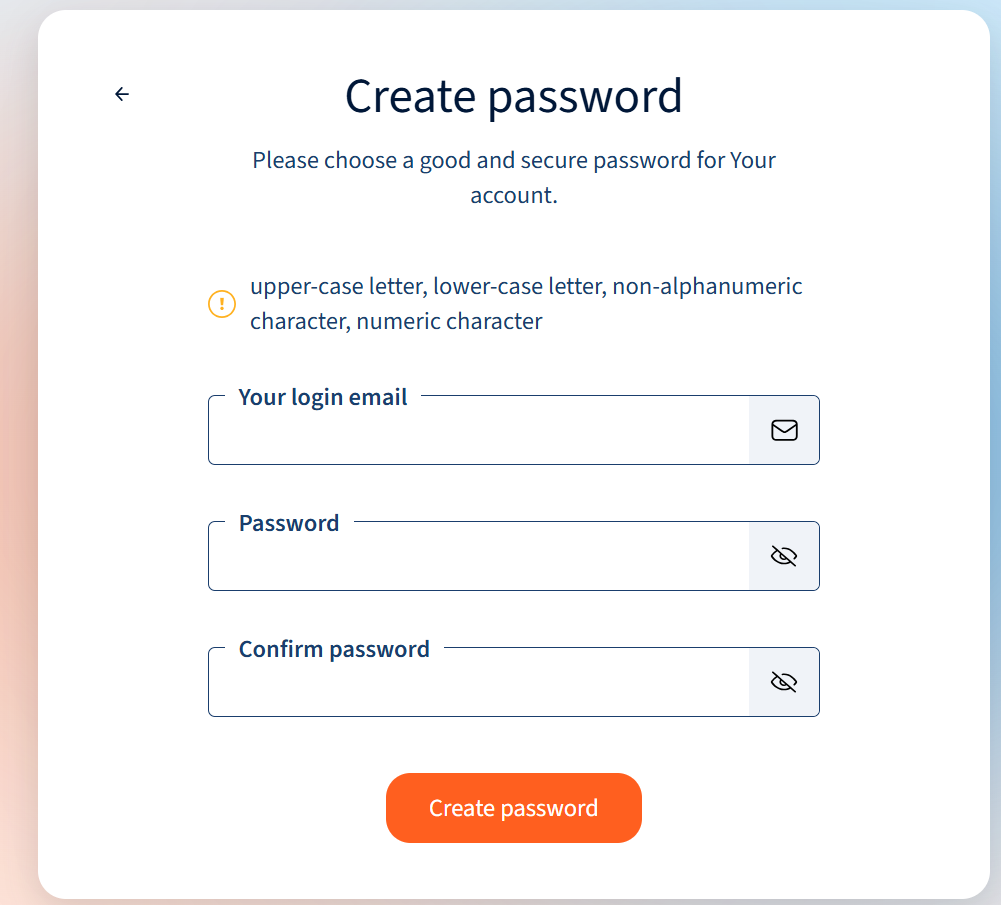
To access HR Blizz for the first time, you must have received an invitation by email from [email protected] with a link to create a password. Click on the link in the email, or copy it into your web browser URL address bar.

The “Set Your Password” screen will appear. Enter a password that complies with the password rules displayed in the password setup screen and click on “Set Password.”
Accessing HR Blizz
You can access HR Blizz directly by going to https://access.hrblizz.net/login, if you already have your HR Blizz password.
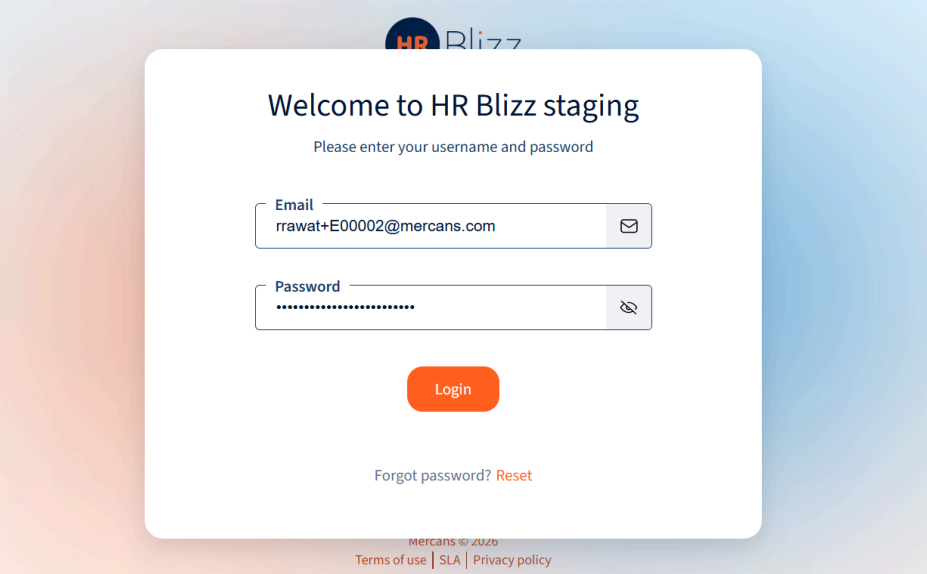
Enter the email address used for the HR Blizz invitation. Enter the password you created when accessing HR Blizz for the first time. You can reset your password anytime by clicking on “Reset” next to “Forgot Password?”
Signing in with SSO
You can access HR Blizz SSO by going to https://sso.hrblizz.net or an address given by your employer.
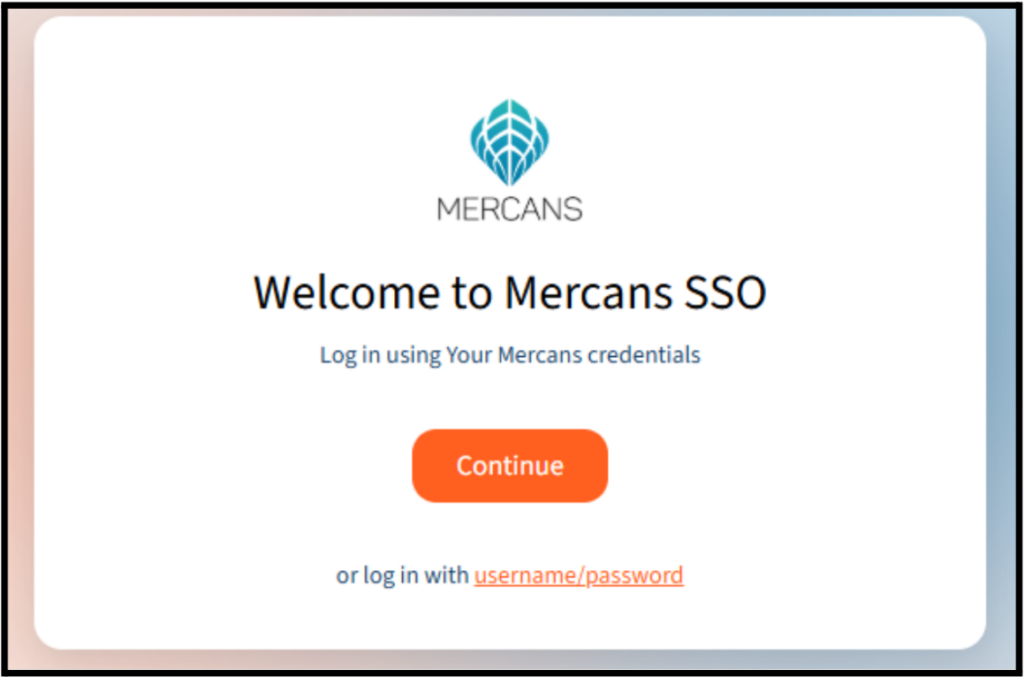
Initiate the login by selecting the account that is associated with HR Blizz.
Your response has been submitted — it helps us make these pages better.