
In the notification center, it is possible to see the progress and status of actions made in the HRBlizz. For example to monitor payroll processing or report generation.
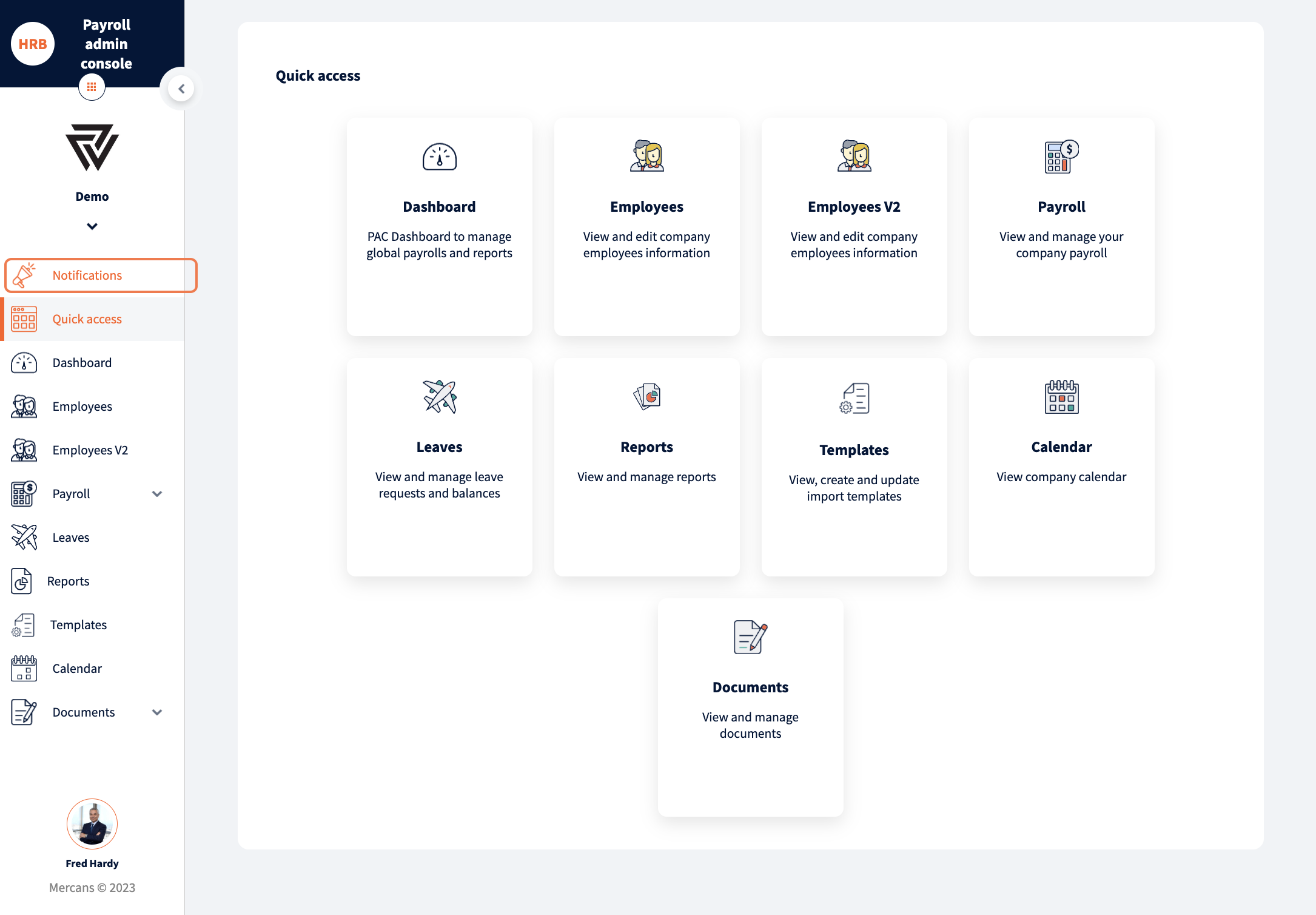
A notification center serves as a centralized hub for displaying various notifications and activities that are happening in the system. It can be found as the first item in the navigation menu.
System notifications are visible based on the actions taken by me and by others as well as all notifications generated within the system.
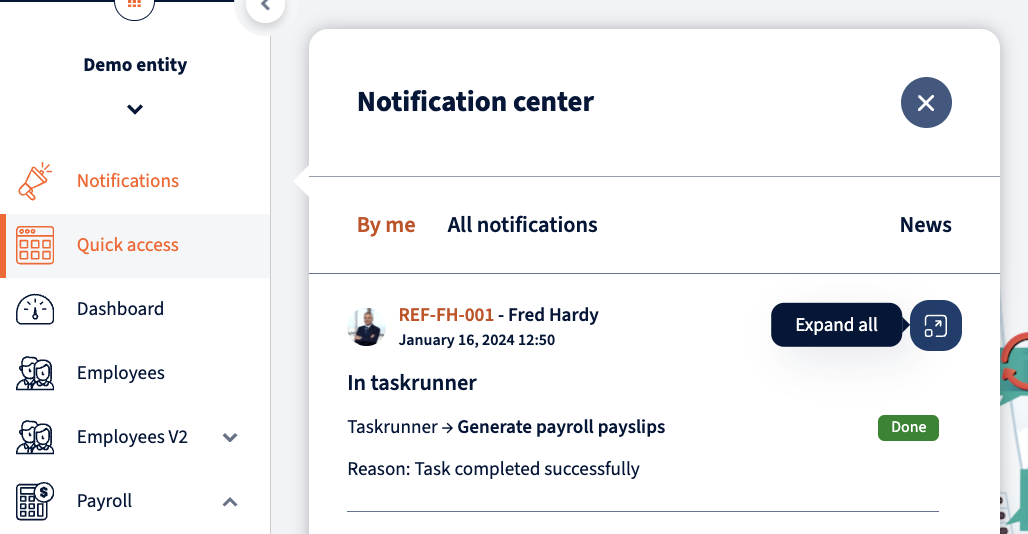
More detailed view is displayed under “See all”. Same as in the quick view, notifications are divided between two tabs – “By me” and “All notifications”.
Module, name (for payrolls), action, status, actor employee and time stamp are displayed in detailed view. In case of failed action, the error reason can be seen by clicking on the + icon.
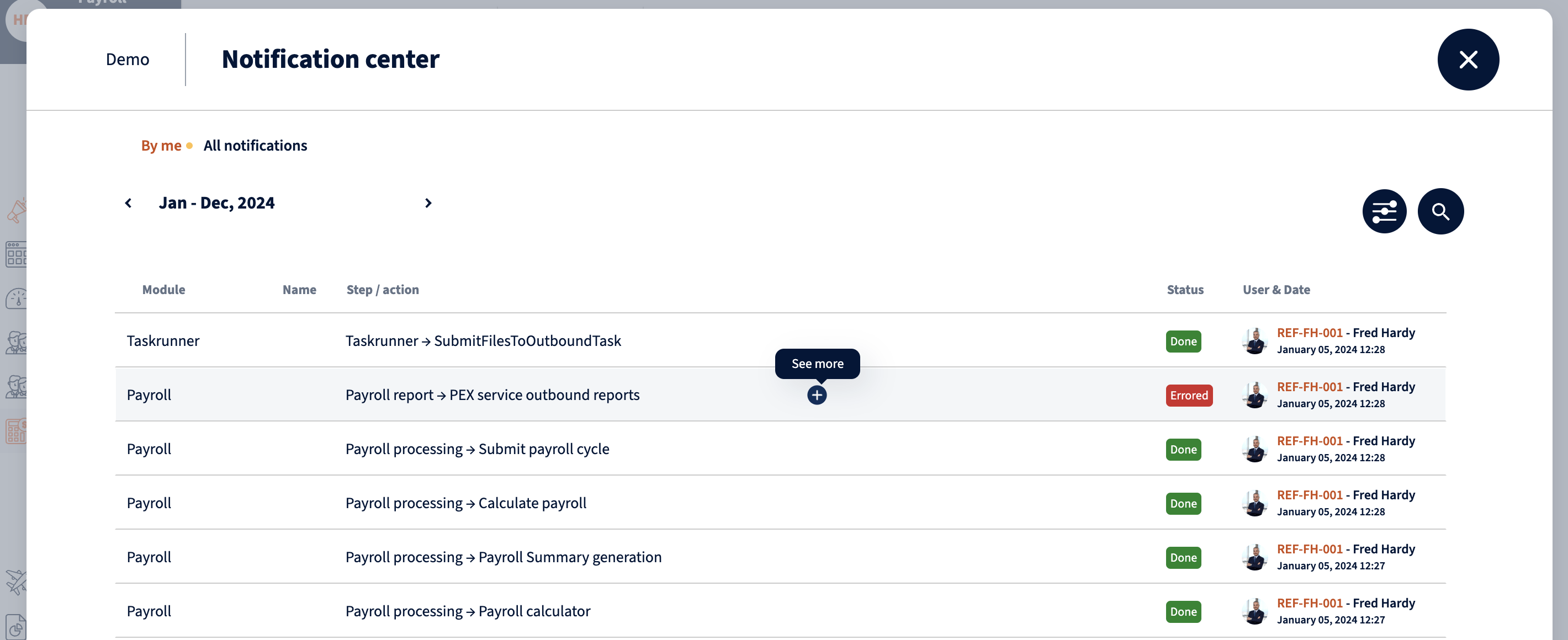
Notifications can also be filtered by module and status. Search option enables to search for specific action.

When creating a ticket, for any failed action in the system, don’t forget to add information about the failed notification as well.
Your response has been submitted — it helps us make these pages better.