
Notification Center Documents Introduction to PAC Calendar
Admin User Manual: Configuration and Proof Submission Audit
NZ Inland Revenue – Integration: Employment information & Payday filing Understanding and Managing NAERSA in HRBlizz Pay Elements Configuration Pay Elements Import Pay Elements with balance imports (Loans & Benefits) Loans Upload Payroll processing Standardized Payroll Reports Payroll validations and anomaly detection Off-cycle Audit Trail Report Description Payroll Action Checklist One-time Import & Template creation Inputs processing Input review Result review Payments review Post-processing Closing and opening the period
Admin settings is part of the HR Blizz application. Users in Admin settings can set workflows, view and edit company settings as well as give users access to different modules. Admin Settings can be accessed with a special role.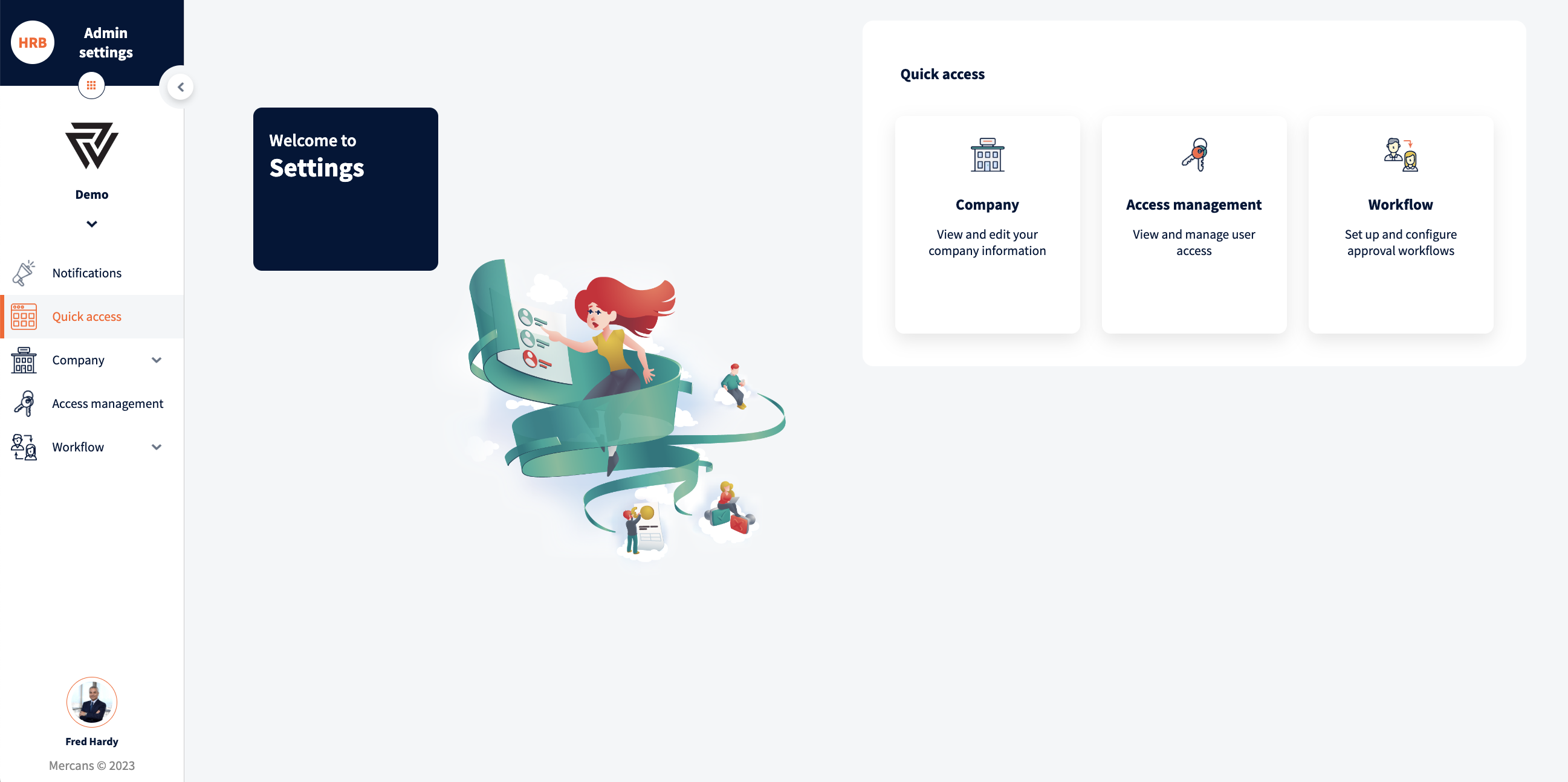
Admin settings is divided into multiple modules:
- Company – view and edit company information
- Access management – view and manage user accesses
- Workflow – setup and configure approval workflows for requesting modules like benefits, leaves etc.
- Role management – view and manage user roles fir the PAC
- Integration settings – Certificates – view and manage certificates for Integrations
Was this page helpful?
Thanks for your feedback.
Your response has been submitted — it helps us make these pages better.