
On this page0
Creating new template
Within Templates, you’ll find a list of all created templates organised by name. You can edit existing templates or create new ones by clicking on the + icon located in the bottom right corner.
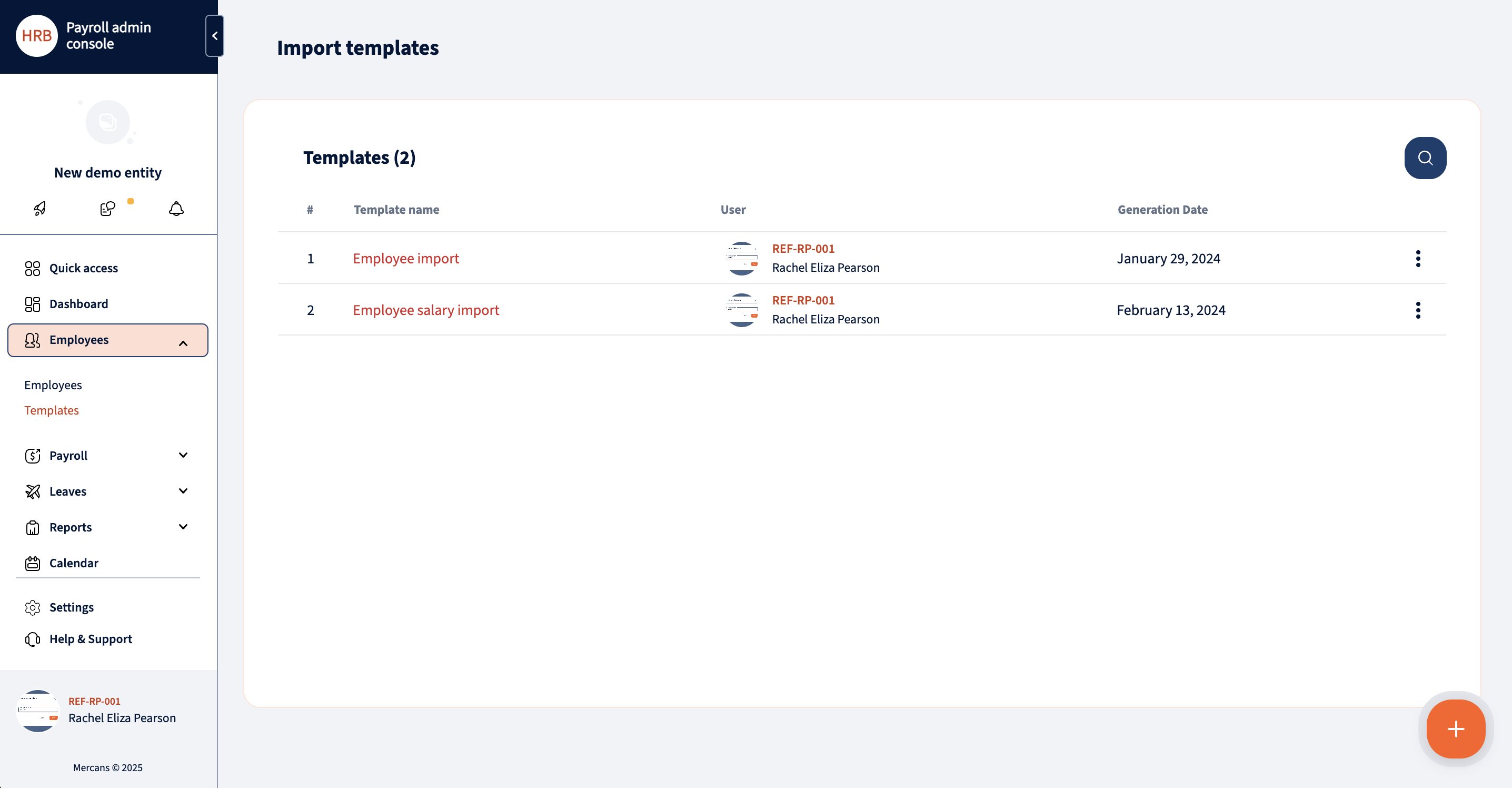
Upon creating a new template, you can assign a name to it. To map fields, simply click on “Select columns” situated on the top right corner.
Within this modal, you can add fields to the template by clicking on them individually. Alternatively, you can add entire sections by clicking on the lightning icon next to the section name.
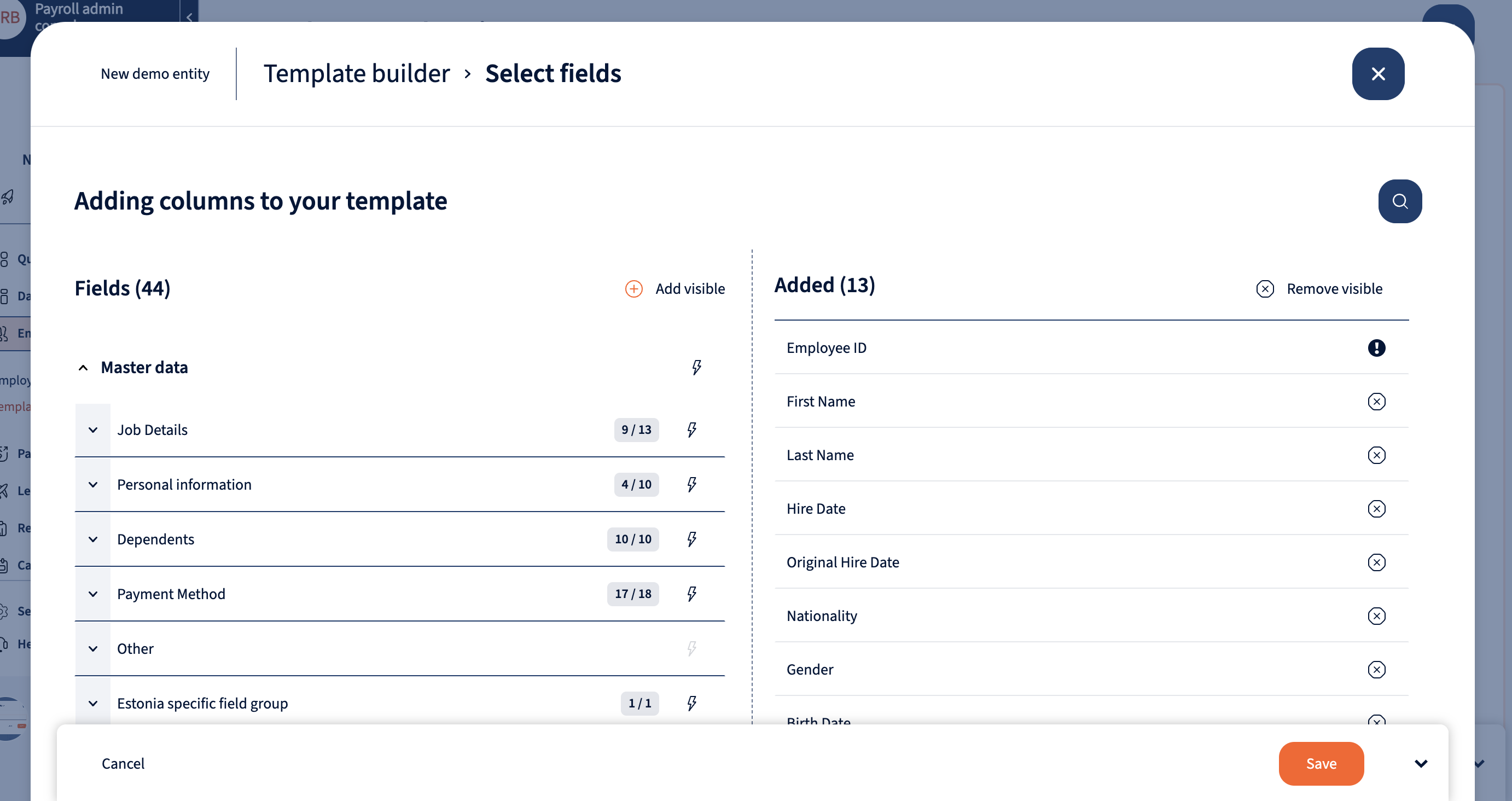
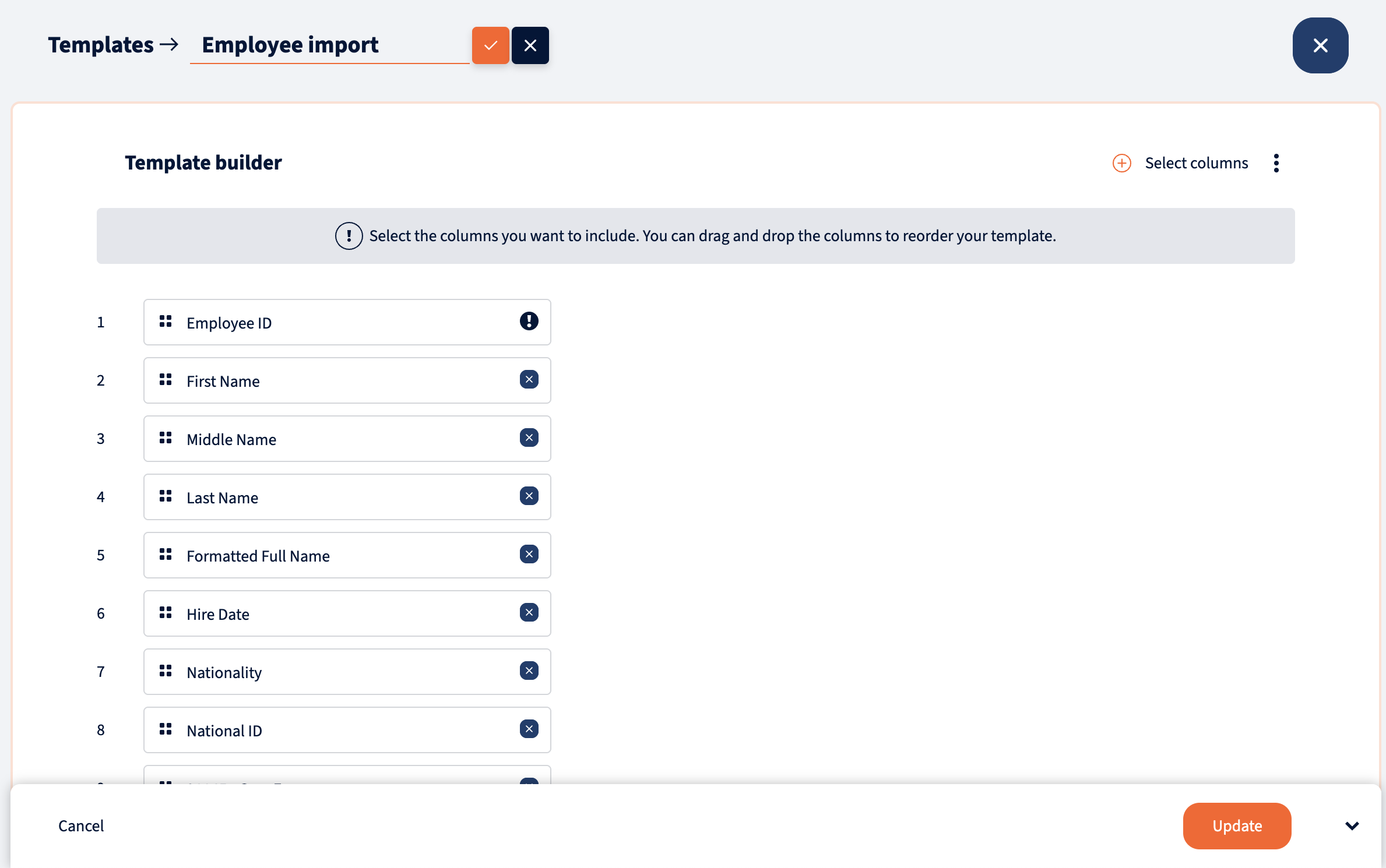
Once you’ve added all the necessary fields, you’ll be able to see them in the template builder. Here, you can manage the order of fields as needed. Once satisfied with the template configuration, save it, and it will be available for use when importing employee data.
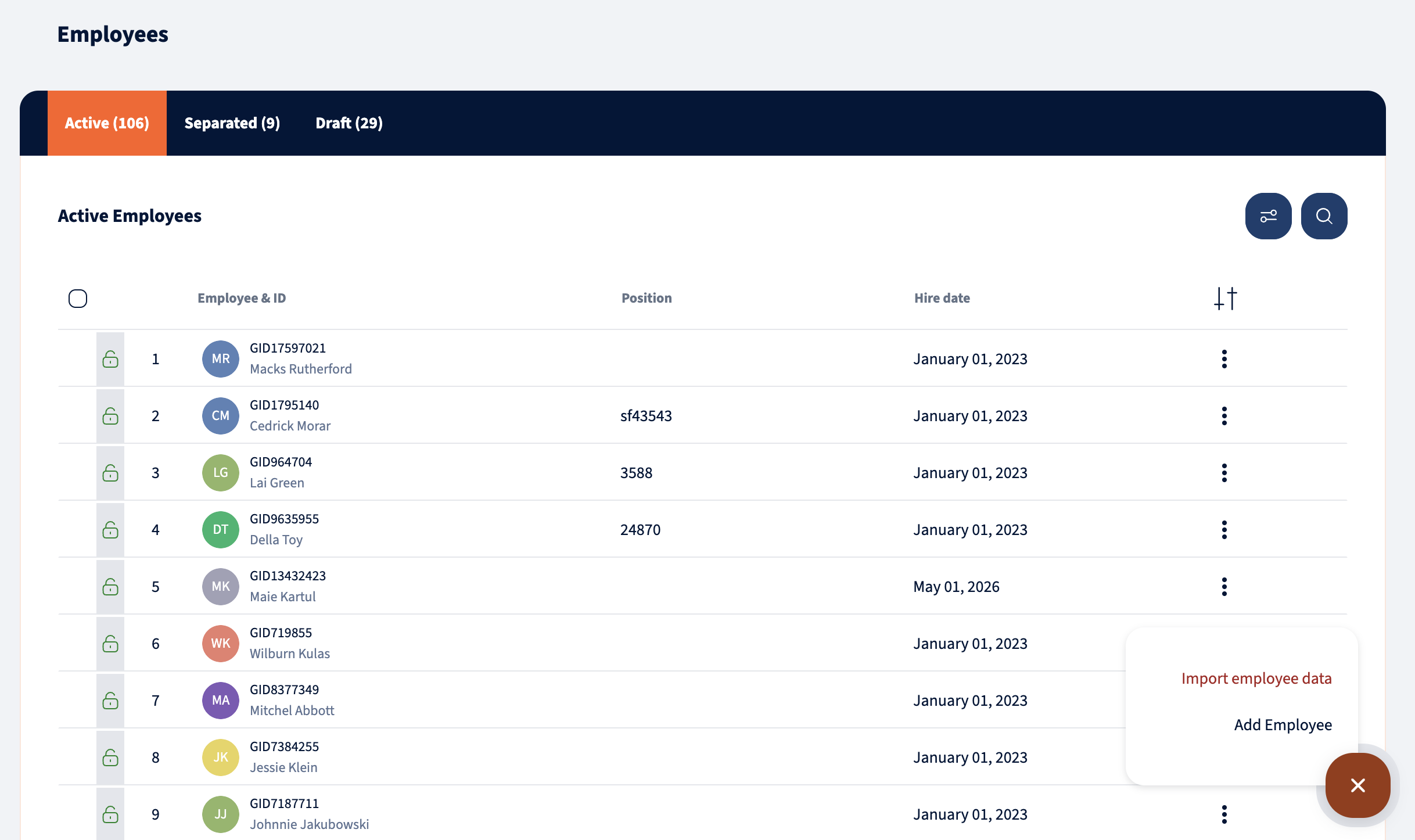
Employee masterdata can be imported from the Employees module.
Your response has been submitted — it helps us make these pages better.